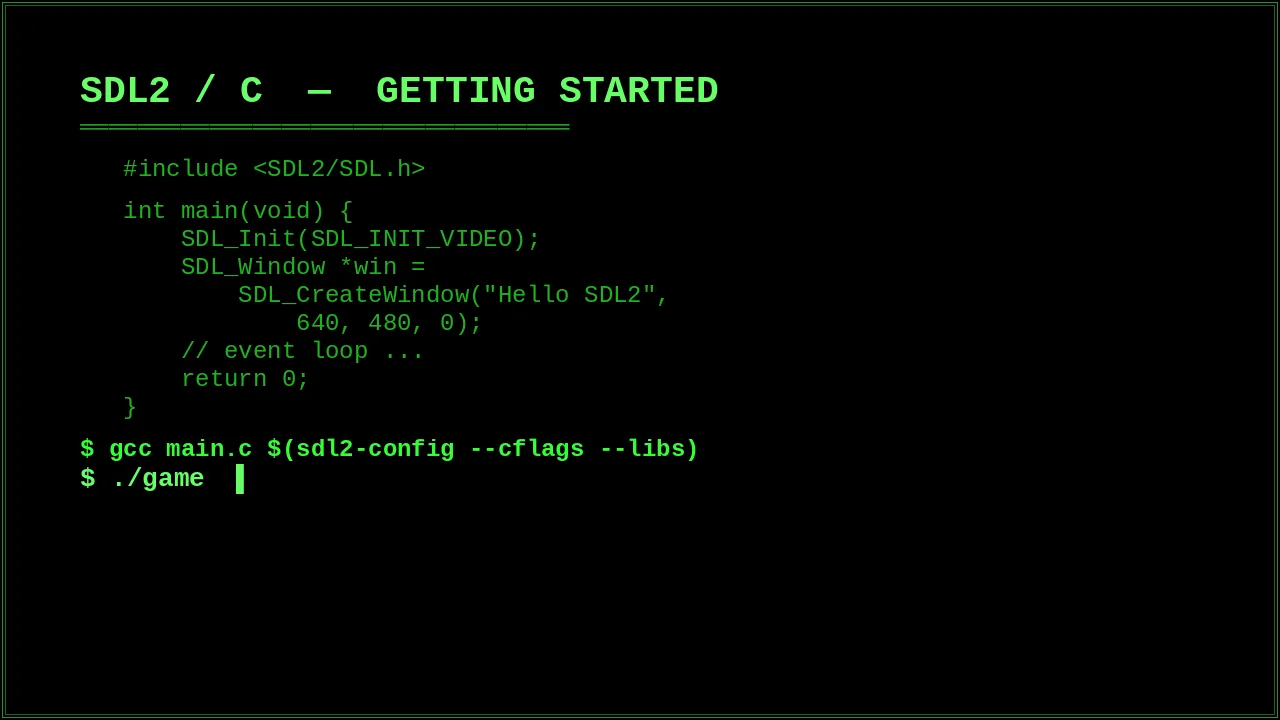
SDL2 is the closest thing the retro game dev world has to a standard cross-platform foundation. This post covers the minimum viable setup — window, renderer, event loop, and a sprite that moves. Nothing else.
// PREREQUISITES
You need SDL2 installed and a C compiler. On Debian/Ubuntu:
sudo apt install libsdl2-dev libsdl2-image-dev gcc// THE WINDOW
SDL2 initialisation always follows the same pattern: init the subsystem, create a window, create a renderer, then enter the loop.
#include <SDL2/SDL.h>

int main(void) {
    SDL_Init(SDL_INIT_VIDEO);

    SDL_Window   *win = SDL_CreateWindow("Hello SDL2",
        SDL_WINDOWPOS_CENTERED, SDL_WINDOWPOS_CENTERED,
        640, 480, 0);
    SDL_Renderer *ren = SDL_CreateRenderer(win, -1,
        SDL_RENDERER_ACCELERATED | SDL_RENDERER_PRESENTVSYNC);

    int running = 1;
    SDL_Event e;

    while (running) {
        while (SDL_PollEvent(&e))
            if (e.type == SDL_QUIT) running = 0;

        SDL_SetRenderDrawColor(ren, 0, 0, 0, 255);
        SDL_RenderClear(ren);
        SDL_RenderPresent(ren);
    }

    SDL_DestroyRenderer(ren);
    SDL_DestroyWindow(win);
    SDL_Quit();
    return 0;
}
// ADDING A SPRITE
Load a PNG with SDL_image, track a position, and render it each frame.
#include <SDL2/SDL_image.h>

// after renderer creation:
IMG_Init(IMG_INIT_PNG);
SDL_Texture *tex = IMG_LoadTexture(ren, "sprite.png");

float x = 100, y = 100;
const float speed = 120.0f; // pixels per second
Uint64 prev = SDL_GetTicks64();

while (running) {
    Uint64 now   = SDL_GetTicks64();
    float  delta = (now - prev) / 1000.0f;
    prev = now;

    // poll events, check SDL_SCANCODE_* keys ...
    const Uint8 *keys = SDL_GetKeyboardState(NULL);
    if (keys[SDL_SCANCODE_RIGHT]) x += speed * delta;
    if (keys[SDL_SCANCODE_LEFT])  x -= speed * delta;

    SDL_Rect dst = { (int)x, (int)y, 32, 32 };
    SDL_RenderClear(ren);
    SDL_RenderCopy(ren, tex, NULL, &dst);
    SDL_RenderPresent(ren);
}
$ gcc main.c -o game $(sdl2-config --cflags --libs) -lSDL2_image
$ ./game
[OK] window created at 640x480
$ ./game
[OK] window created at 640x480
// WHAT'S NEXT
From here the patterns repeat: load more textures, track more state, add collision rectangles. The SDL2/C section on this site covers sprite sheets, tilemaps, and audio in more detail.